Commercial CCTV system design works best when it starts with a coverage assessment, then places cameras at choke points with overlapping views, matches camera type to each location, and plans storage and privacy up front. Poorly placed cameras leave gaps that defeat the purpose of the investment. This guide covers the best practices behind an effective deployment.
How Should Commercial CCTV System Design Begin?
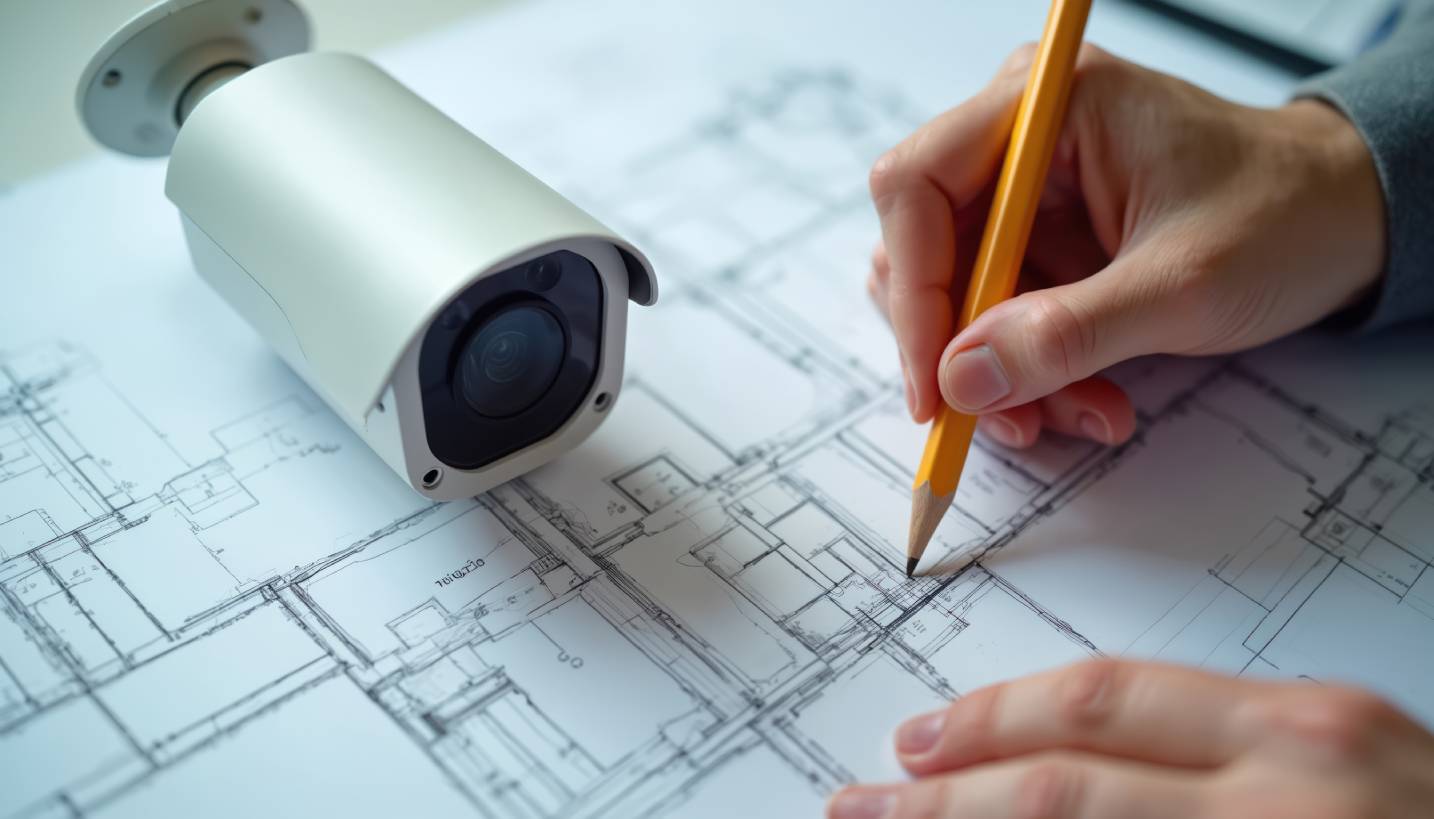
Design begins by identifying every area that needs coverage. That usually includes entrances, parking areas, loading docks, and high-value or sensitive interior spaces.
The proper coverage assessment should also map blind spots created by building architecture, landscaping, and lighting. Finding these on paper is cheap, while finding them after installation means paying to move or add cameras.
Start With the Map, Not the Cameras
Assess coverage needs and blind spots before choosing a single camera. Gaps found on paper cost far less than gaps found after an incident.
Where Should Commercial Cameras Be Placed?
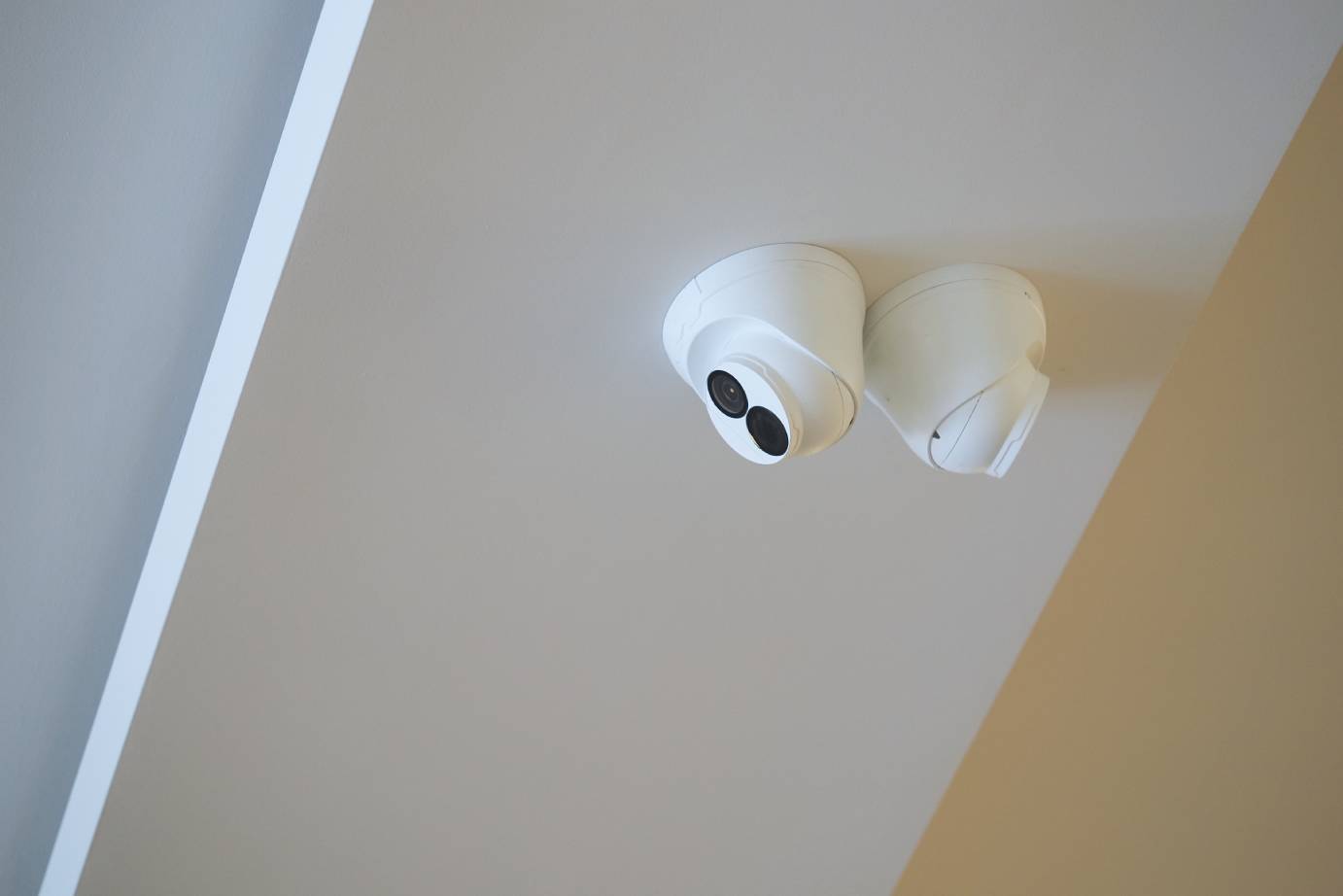
Place cameras at choke points first, such as entrances, exits, and elevator lobbies, because everyone passes through them. Overlapping coverage between adjacent cameras means one failure does not leave an area dark.
Three placement details decide whether footage is usable:
- Height and angle: cameras mounted too high capture the tops of heads instead of faces
- Glare: direct sunlight and headlights can wash out an image, so aim away from them or choose cameras that handle high contrast
- Weather exposure: outdoor units need placement that limits direct sun, rain, and dust
Eyes on the Choke Points
Cover entrances and exits first, then overlap views for backup. Height and angle decide whether footage can identify anyone.
How Does Camera Coverage Differ by Property Type?
Each property type concentrates risk in different places, so a generic plan rarely fits:
- Retail: point-of-sale areas and entrances, where theft risk concentrates
- Warehouses and industrial: loading docks and perimeter fencing
- Offices: entrances, parking structures, and common areas more than interior workspaces
One Size Fits Nobody
Match coverage to where each property’s risk actually sits. A copied plan misses what matters most at your site.
Which Camera Type Fits Each Location?
Match the camera to the job. Fixed cameras suit predictable areas such as entrances and hallways. Pan-tilt-zoom (PTZ) cameras cover large open areas like parking lots, though they can only look in one direction at a time. Low-light and infrared cameras are essential where nighttime lighting is limited.
Resolution depends on how footage will be used. Identifying faces or license plates needs far more detail than general area monitoring, so the highest resolution belongs where identification matters.
Right Camera, Right Spot
Fixed, PTZ, and low-light cameras each solve a different problem. Spend resolution where identification matters most.
How Much Storage and Retention Does a CCTV System Need?
Storage needs depend on camera count, resolution, frame rate, and how many days footage must stay available. Higher resolution and more cameras multiply storage requirements quickly, and recording only on motion can reduce them.
Some regulated industries set minimum retention periods, so confirm which rules apply before sizing storage. Cloud storage offers remote access and easy scaling, while on-premise storage keeps footage local, and many properties weigh the two against their operational needs.
Plan the Footage Before You Need It
Cameras, resolution, and retention days determine storage size. Underestimating it means footage gets overwritten too soon.
How Does Lighting Affect CCTV Image Quality?
Lighting often decides image quality more than camera price does. A subject standing in front of a bright window or sunlit background appears as a dark silhouette, and cameras in dim areas boost their sensitivity, which adds grainy noise that hides detail.
Design around this in three ways:
- Add supplemental lighting where nighttime light is limited, especially at entrances and parking areas
- Use wide dynamic range (WDR) cameras in scenes with both bright and dark areas, since they balance the two in a single image
- Avoid aiming at windows or bright signs, which pull the camera’s exposure away from the subject
Check lighting at the times coverage matters most, including night, early morning, and low sun angles, not only at midday during a site walk.
Light It Right
Bright backgrounds and dim corners both hide detail. Fix lighting and use WDR where scenes mix light and dark.
Why Integrate CCTV With Access Control?
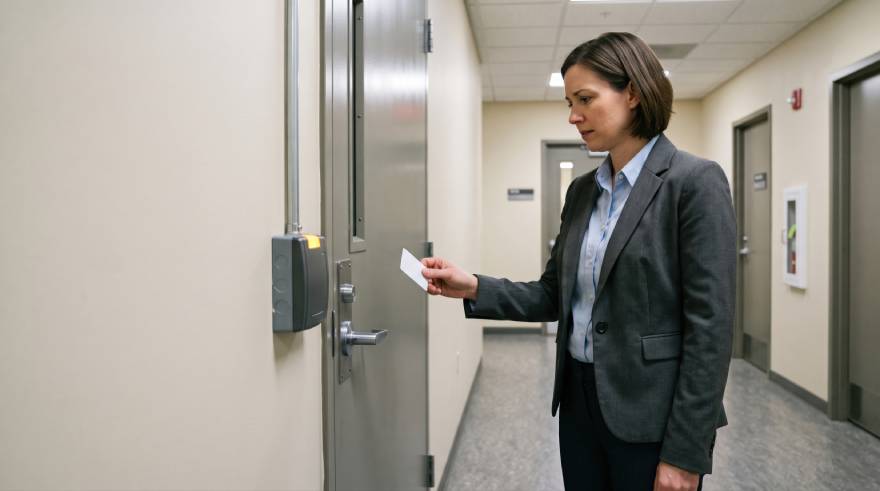
Integration links footage to door events, so an investigator can jump straight to the video from a forced-door alarm or a specific badge entry instead of scanning hours of recordings. It also lets cameras flag the area around an alert automatically.
Designing for this from the start is simpler than adding it later, since CCTV and access control work best when camera positions are chosen to cover the doors that matter most.
Link the Door to the Video
Connect footage to access events for faster investigations. Plan it during design, not after installation.
What Camera Placement Mistakes Should You Avoid?
Four mistakes account for most coverage failures:
1. Glare: placing cameras where sun or headlights wash out the image
2. Overlooked secondary entrances: assuming low traffic means low risk
3. Underestimated storage: footage overwritten before anyone reviews it
4. No periodic review: layouts, lighting, and landscaping change, and coverage should be rechecked
Spot the Gaps First
Glare, side entrances, and storage cause most failures. Revisit coverage periodically, not just once.
How Do You Balance Camera Coverage With Privacy?
Cover security needs without recording where people expect privacy. Restrooms, locker rooms, and similar spaces generally should not have camera coverage. Clear signage supports transparency and can deter misconduct on its own.
Audio recording is governed by separate laws from video, so confirm requirements with legal counsel before enabling it. Review legal requirements and reasonable expectations before finalizing placement.
Secure Without Overreaching
Keep cameras out of private spaces and post clear signage. Confirm audio and legal rules with counsel.
How Do You Design CCTV for Arizona Weather and Parking Lots?
Arizona’s heat, sun, and dust shorten the life of equipment that is not built for them. Check each camera’s operating temperature range, and look for dust- and water-resistant ratings such as IP66. Inspect outdoor cameras regularly for heat wear and dust buildup.
Parking areas add large open spaces and uneven lighting. If license plate capture is a goal, design for it specifically, since angle, lighting, and lens choice all affect whether a plate is readable.
Built for the Desert
Choose cameras rated for heat and dust, then inspect them routinely. Design parking coverage around plate capture if it matters.
When Should You Upgrade From Analog to IP Cameras?
Upgrade when image quality, remote access, or integration are limiting you. Modern IP cameras offer higher resolution, remote viewing, and easier integration with other systems than legacy analog equipment.
An upgrade does not always mean replacing everything at once. Existing cabling can sometimes be reused with adapters, and a phased approach spreads cost. Planning the upgrade alongside other security work, such as access control expansion, can also reduce installation labor.
Upgrade in Phases
IP cameras beat analog on detail, access, and integration. Phase the work and reuse cabling where possible.
How Do You Keep a CCTV System Secure From Cyber Threats?
IP cameras are network devices, so they need the same protection as any other connected equipment. Weak or default settings are a common way unauthorized users reach cameras and the networks they sit on.
Core protections include:
1. Change default passwords and use unique credentials for each system
2. Keep firmware updated so known vulnerabilities are patched
3. Separate cameras from business systems on their own network segment, so a compromised camera cannot reach computers or servers
4. Limit remote access to approved users with strong authentication, and review accounts when staff leave
Security of the video system matters as much as the video itself, since the footage often shows sensitive areas and activity.
Lock the Cameras Too
Cameras are network devices that need protection. Change defaults, patch firmware, and isolate them on their own network.
How Often Should You Maintain a CCTV System?
Maintain a system on a regular schedule, such as quarterly, instead of waiting for a failure. Cameras get bumped, lenses collect dust and spider webs, vegetation grows into the field of view, and storage drives eventually wear out.
A routine check should cover:
- Lenses and housings: clean and inspect for damage or heat wear
- Camera views: confirm each camera still points where it should and covers what it was designed to cover
- Recording: verify every camera is actually recording and that footage can be retrieved
- Storage and software: check drive health and apply firmware updates
The most costly discovery is learning that a camera was not recording only after an incident. Testing retrieval before you need it avoids that.
Check Before You Need It
Cameras drift, lenses get dirty, and drives fail. Regular checks confirm footage will be there when it matters.
How Do You Choose a CCTV Design Partner?
Ask for a detailed coverage plan, not just an equipment list. A plan that shows camera positions, fields of view, and reasons for each choice separates an effective system from one that only looks complete on paper.
Southwest Integrated Solutions has designed video surveillance systems for Arizona commercial properties for over 20 years. Bring the coverage plan, storage estimate, and integration requirements to any provider you are considering and compare them side by side.
Demand the Plan
A coverage plan beats an equipment list. Field experience shows in the details.
Frequently Asked Questions
How many cameras does a commercial property typically need?
There is no fixed formula, because camera count depends on property size, layout, and risk areas. A coverage assessment identifies entrances, blind spots, and high-value areas, and the count follows from that.
How long should surveillance footage be retained?
It depends on your industry, regulations, and practical needs. Some regulated businesses must keep footage for a minimum period, while others choose a window long enough to review incidents discovered days later.
Can CCTV integrate with access control systems?
Yes. Integration links camera footage to specific door events, so investigators can jump to the exact moment of an alarm or badge entry instead of searching recordings.
Do commercial cameras need to be IP-based?
Not always, but IP systems offer higher resolution, remote access, and better integration. Existing analog systems can be upgraded in phases rather than all at once.
Southwest Integrated Solutions
Arizona's Fire, Security & Access Integration Experts
Effective CCTV design depends on thoughtful coverage planning, not simply installing as many cameras as budget allows.